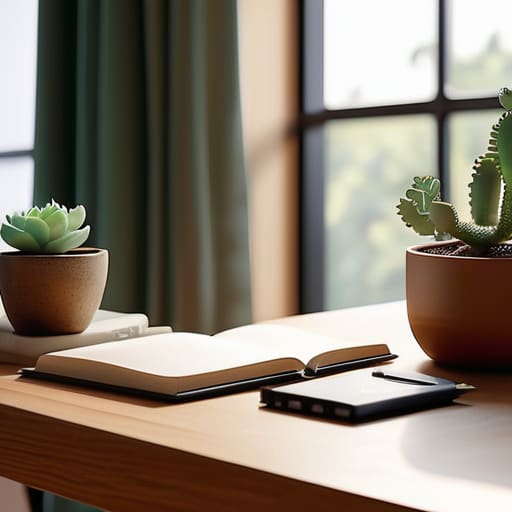

I spent years in corporate offices where every “ergonomic” chair cost more than my first car and every desk was a sterile slab of white laminate. When I finally transitioned to freelance project management, I was hit with a tidal wave of influencers claiming you needed a $2,000 standing desk and a specialized lighting rig to actually get work done. Honestly? It’s all exhausting noise. Most of those flashy home office setup ideas you see on social media are designed to sell you gear you don’t need, rather than helping you actually focus. You don’t need a showroom; you just need a space that doesn’t make your back ache by 2:00 PM.
I’m not here to sell you a lifestyle or a high-end aesthetic. My goal is to give you the practical, stripped-back truth about creating a workspace that actually works for you. I’ll be sharing my own tried-and-true home office setup ideas that prioritize function over fluff, focusing on things like smart lighting, clever storage, and how to use what you already have. Let’s cut through the clutter and build a setup that lets you get your work done so you can get back to actually living.
Smart Small Space Office Organization Tactics
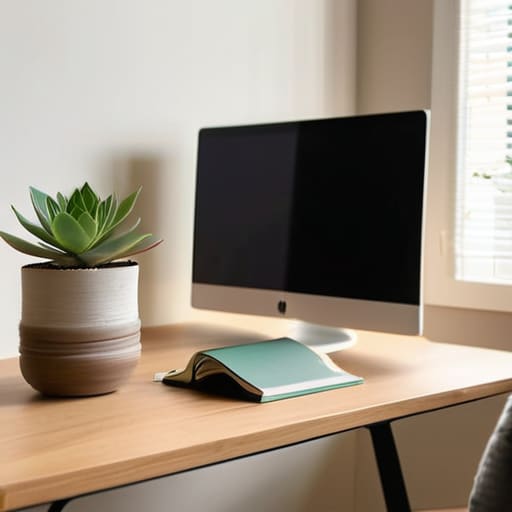
If you’re working out of a corner of the bedroom or a tiny nook in the living room, you know the struggle: everything feels like it’s encroaching on your personal life. The secret to small space office organization isn’t buying more bins; it’s about reclaiming your vertical territory. I’ve found that floating shelves are absolute lifesavers. Instead of letting your printer and notebooks clutter your limited desk surface, get them up on the wall. It clears the visual noise and makes the area feel less like a storage unit and more like a dedicated zone.
Don’t overlook the power of a “rolling cart” strategy, either. I keep my extra supplies and tech cables in a slim three-tier cart that I can tuck away when the workday ends. This is a huge part of a productive home workspace design because it allows you to physically “close” your office at 5:00 PM. When you can roll your work into a corner, your brain finally gets the signal that it’s time to relax. Keep it simple, keep it off the floor, and keep your surfaces clear.
Productive Home Workspace Design Without the Clutter
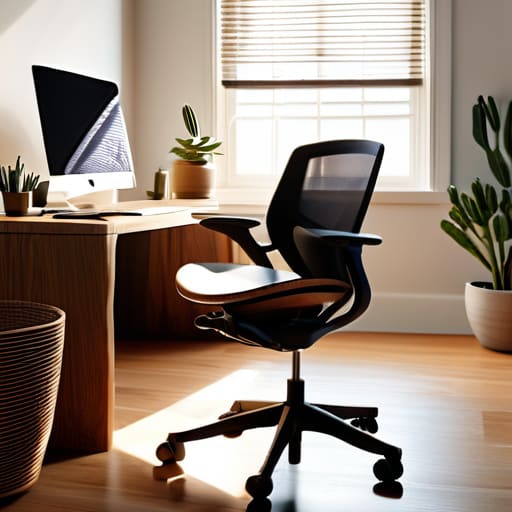
When it comes to productive home workspace design, I’ve learned the hard way that “more” is rarely “better.” It’s easy to fall into the trap of buying every gadget that promises to boost your output, but a desk covered in tech junk is just a recipe for a headache. Instead, focus on the essentials that actually support your body and your focus. For instance, don’t skimp on your seat; investing in a quality chair is one of the biggest ergonomic desk chair benefits you’ll experience, saving your back from that afternoon ache.
I also find that visual clutter is just as draining as physical clutter. If you find yourself constantly distracted by a messy view, try a “one-in, one-out” rule for your desk accessories. Keep your surface clear of anything that doesn’t serve a direct purpose for the task at hand. If you need more screen real estate, look into some simple dual monitor setup tips—like using a monitor arm—to lift the screens off the desk surface. This keeps your workspace feeling open and airy, rather than cramped and chaotic.
Five Low-Stress Upgrades for Your Daily Workflow
- Stop fighting your lighting. If you’re stuck staring at a screen under a harsh overhead light, your eyes will be fried by 3 PM. Instead, grab a simple desk lamp with a warm bulb and position it to the side of your monitor to cut down on that annoying glare.
- Don’t overcomplicate your cable situation. I used to have a literal bird’s nest of wires under my desk that made me want to scream. A handful of cheap velcro ties or even just some masking tape to group your cords together makes a massive difference in how much “visual noise” you’re dealing with.
- Invest in your posture without the “gaming chair” aesthetic. You don’t need a massive, neon-lit throne to be comfortable. A decent lumbar support cushion or even a rolled-up towel placed at the small of your back can save you from that end-of-day ache.
- Keep your “analog” tools within arm’s reach. Even though I live my life on a laptop, I’ve found that having a single, dedicated notebook and a pen right next to my keyboard helps me jot down quick thoughts without breaking my digital flow.
- Create a “closing ceremony” for your workday. When you’re done, clear your desk of any coffee mugs or stray papers. It takes two minutes, but it signals to your brain that the office is closed, which is vital when your workspace is also your living space.
The Golden Rule of Workspace Design
“Your desk shouldn’t feel like a second job; if you have to fight your furniture just to find a pen or clear a spot for your coffee, your setup isn’t working for you—it’s working against you.”
Elena Vance
Making It Work for You
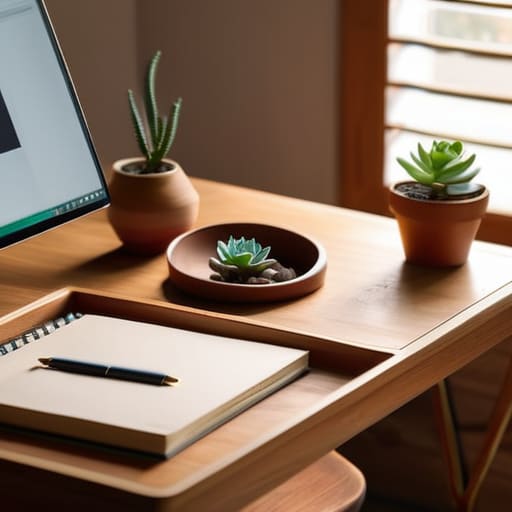
At the end of the day, setting up a home office isn’t about buying every gadget on a “must-have” list or recreating a Pinterest board. It’s about finding that sweet spot where organization meets actual usability. We’ve talked about maximizing those tiny corners, keeping your surfaces clear of the usual chaos, and choosing a layout that actually supports how you work. Remember, the goal isn’t perfection; it’s about creating a space that serves you rather than giving you another project to manage. Whether you’re using a stack of books to level a monitor or a simple bin to hide your cables, every small adjustment counts toward making your workday feel less like a scramble and more like a flow.
I know how easy it is to feel paralyzed by the sheer number of “productivity hacks” out there, but please don’t let the search for the perfect setup stop you from actually getting to work. Your office should be a tool, not a source of stress. Start with what you have, fix one small thing this week, and let the rest evolve as you go. You don’t need a massive budget or a professional designer to reclaim your focus; you just need a little bit of intention and the willingness to keep things simple. Now, go clear that desk and get started.


I believe that a well-run home shouldn't require a PhD or a massive budget. My goal is to strip away the complexity so you can focus on actually living in your space. Let's keep things practical, efficient, and genuinely useful.
View All Articles