
I used to think that being “organized” meant having a perfectly color-coded digital empire, but after a decade in corporate administration, I realized that most systems are just more noise. We’ve all been there: you download a new tool thinking it’ll finally fix your chaotic brain, only to spend three hours watching tutorials instead of actually getting things done. The truth is, searching for the best note taking apps often leads to a rabbit hole of features you’ll never use and subscriptions you don’t need. We don’t need more complexity; we just need a place to dump our thoughts so we can stop feeling so overwhelmed.
In this post, I’m stripping away the marketing fluff to show you what actually works for a busy, real-world lifestyle. I’ve narrowed it down to six specific options that serve different needs—whether you’re a minimalist who just wants a digital scratchpad or someone who needs a bit more structure for project planning. By the end of this list, you’ll know exactly which tool fits your flow so you can stop overthinking and start doing.
Keep It Simple with Apple Notes
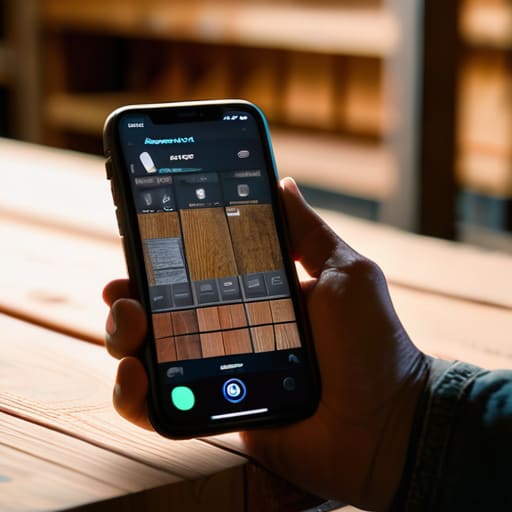
If you’re an iPhone user, I honestly don’t know why you’re even looking elsewhere. Apple Notes is already sitting there on your phone, waiting to be used, and it is surprisingly powerful once you actually dive in. It’s perfect for those quick moments when I’m at the hardware store and need to jot down a measurement or snap a photo of a furniture joint I’m trying to replicate.
The Digital Binder Approach with Evernote
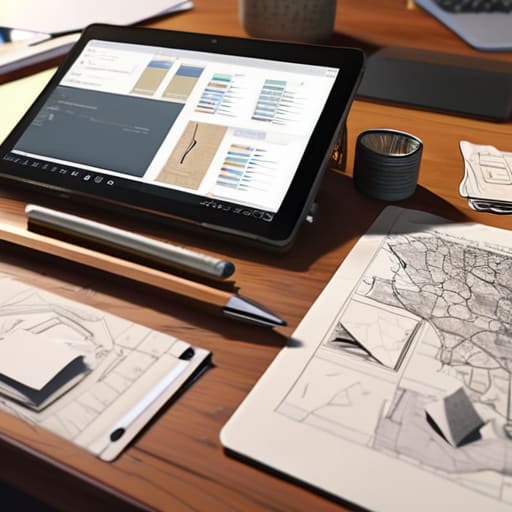
For those of you who feel like your brain has too many tabs open, Evernote can act like a digital filing cabinet. I used to struggle with losing physical scraps of paper—receipts, sketches, or project ideas—but this app lets you tuck everything into specific “notebooks.” It’s a great way to categorize your life without having to physically sort through piles of clutter on your desk.
Total Control with Notion
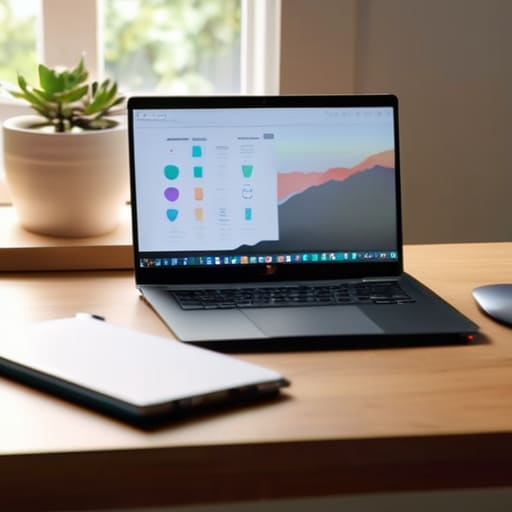
Now, I’ll be the first to tell you: don’t go down the rabbit hole of trying to make Notion look “aesthetic” like you see on social media. It can be a massive time-sink if you aren’t careful. However, if you approach it as a way to build a custom dashboard for your home or freelance projects, it is an absolute game-changer for staying on track.
The Visual Thinker’s Choice with Microsoft OneNote
If you’re the kind of person who likes to scribble notes all over the page, OneNote is going to feel very familiar. It uses a “binder” metaphor with sections and pages, which makes it feel very intuitive for anyone who grew up using physical planners. I love that you can click anywhere and type, which mimics the freedom of a real notebook.
The Minimalist’s Dream with Bear
Sometimes, you just need to get thoughts out of your head without the digital noise. Bear is incredibly beautiful and stripped back, focusing almost entirely on the writing experience. It uses a “tagging” system rather than a complex folder structure, which I find much more natural and fluid for my workflow.
The Power User’s Secret with Obsidian
This one is a bit more “techy,” so fair warning: it’s not for everyone. Obsidian is designed for people who want to see how their ideas connect. It uses a “graph view” that shows how different notes link to one another, which is fascinating to watch as your knowledge base grows.
Finding Your Flow
“The best note-taking app isn’t the one with the most bells and whistles or the prettiest interface; it’s the one that stays out of your way so you can actually get things done.”
Elena Vance
Finding Your Flow
At the end of the day, there isn’t a single “perfect” app that works for everyone, and that’s actually okay. Whether you ended up leaning toward the minimalist simplicity of a basic text editor or the heavy-duty organization of a full-scale database, the goal remains the same: reducing the mental clutter in your head. I’ve learned through years of managing chaotic projects that the best tool is simply the one that actually gets used. Don’t get caught in a cycle of “app hopping” or spending more time customizing your digital workspace than actually getting your tasks done. Pick one, set it up, and stop overthinking it.
My biggest piece of advice is to remember that these tools are meant to serve you, not the other way around. A digital notebook is just a way to clear space in your brain so you can focus on the things that truly matter—like finishing that furniture restoration project or finally enjoying a quiet cup of coffee without a mental to-do list screaming in the background. Use technology to simplify your life, not to add another layer of digital noise to an already busy world. You’ve got this, and once you find your rhythm, you’ll wonder how you ever managed without it.


I believe that a well-run home shouldn't require a PhD or a massive budget. My goal is to strip away the complexity so you can focus on actually living in your space. Let's keep things practical, efficient, and genuinely useful.
View All Articles